People
People is the roster of everyone you work with: your internal team (drivers, dispatchers, operators, coordinators) plus external individuals at partner companies. It lives at /people under Resources.
Part of the Resources area. For the workflow, see Manage your fleet, team, and partners.
Tabs
- Roster - the table of every person.
- Availability - the day-by-day grid (see Resources overview).
- Types - the person resource types your organization defines (such as Crane operator or Escort driver). Read-only here; manage them in Settings.
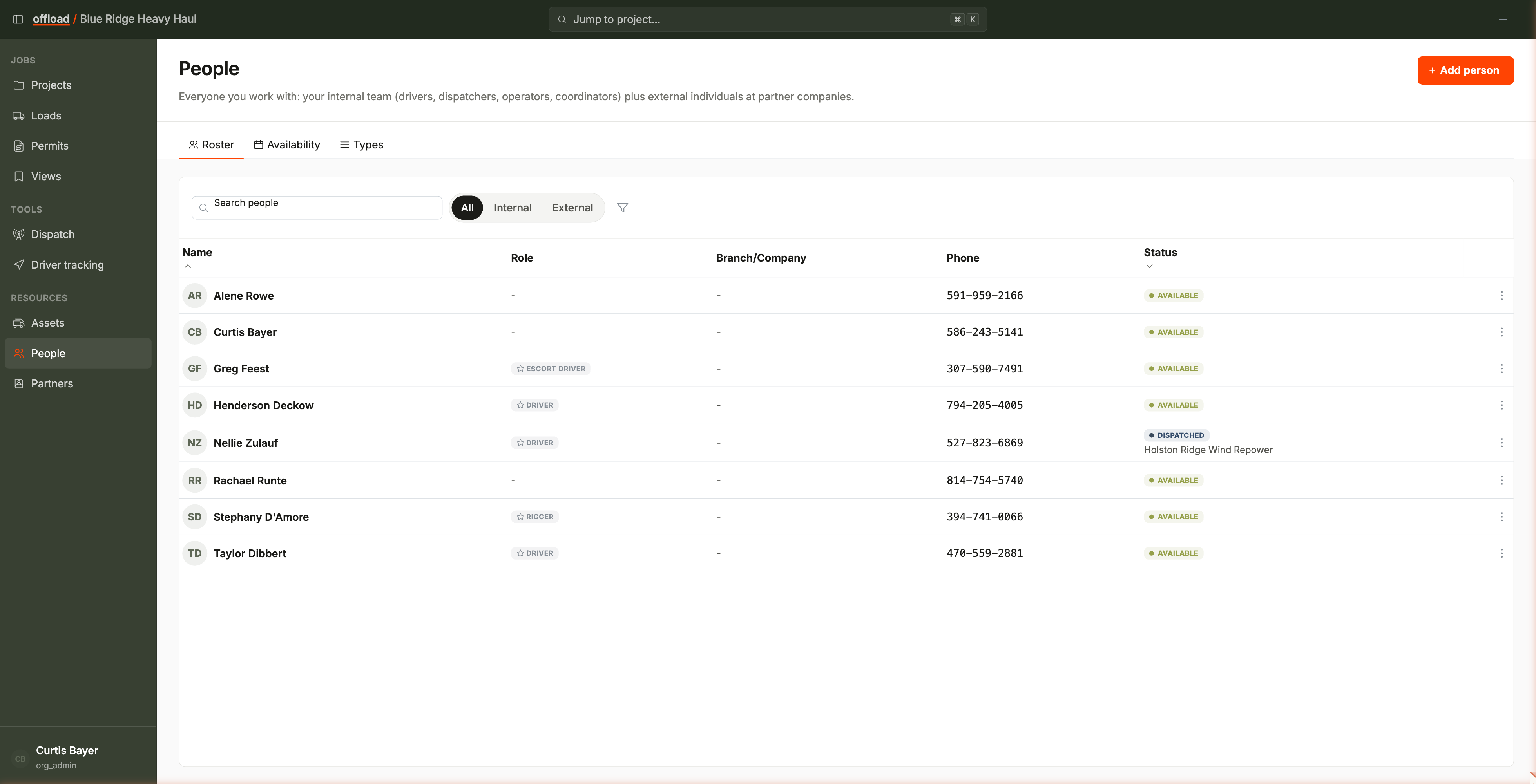
The roster table
- Columns: Name, Role, Branch/Company, Phone, and Status. The Role column is the person's dispatch role (their person resource type, such as Driver or Rigger); Branch/Company fills in when the person belongs to a branch or an external company.
- Filter chips above the table:
- Ownership - All / Internal / External (defaults to All).
- Role - filter by dispatch role.
- Search finds people by name.
- Click a row to open the person's drawer with their details and activity.
Adding and editing
- Add person opens the person form. The form's own toggle decides whether the person is on your internal team or an external individual at a partner company.
- Edit a person from their row menu or their drawer.
A person who is backed by a user account cannot be hard-deleted. Set their status to Terminated instead. They keep their history and leave the availability grid.
Internal or external
A person is internal when they belong to your company or a branch, and external when they belong to a partner company. The rule is by company, not by whether they have a login. External individuals can be assigned to your loads and phases just like internal ones; the ownership filter keeps the two easy to tell apart.